Getting started
Create your account, add your brand and make your first ad.
Create an account
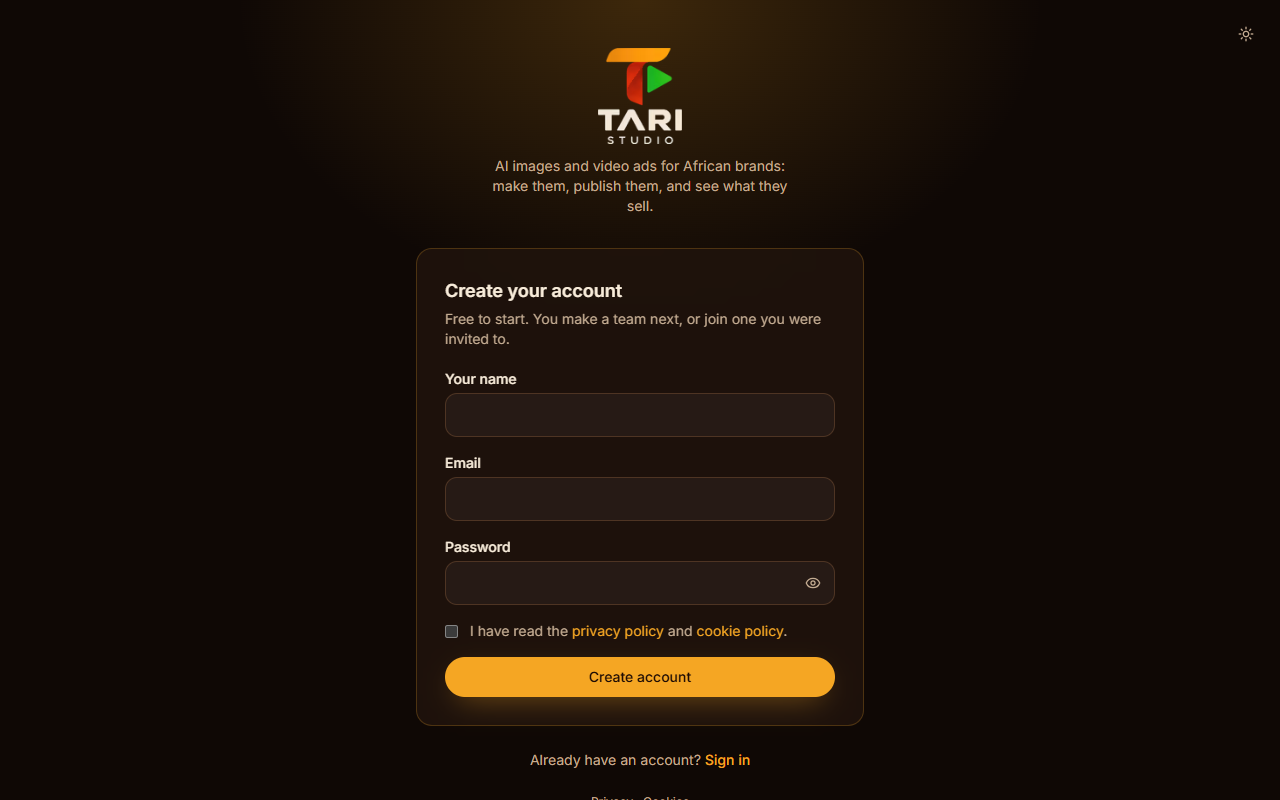
Open Create an account from the home page. Enter your name, work email and a password, then confirm your email from the link we send.
Every account has a team (an organisation). You can invite colleagues later under Team, and belong to more than one team.
Your home page
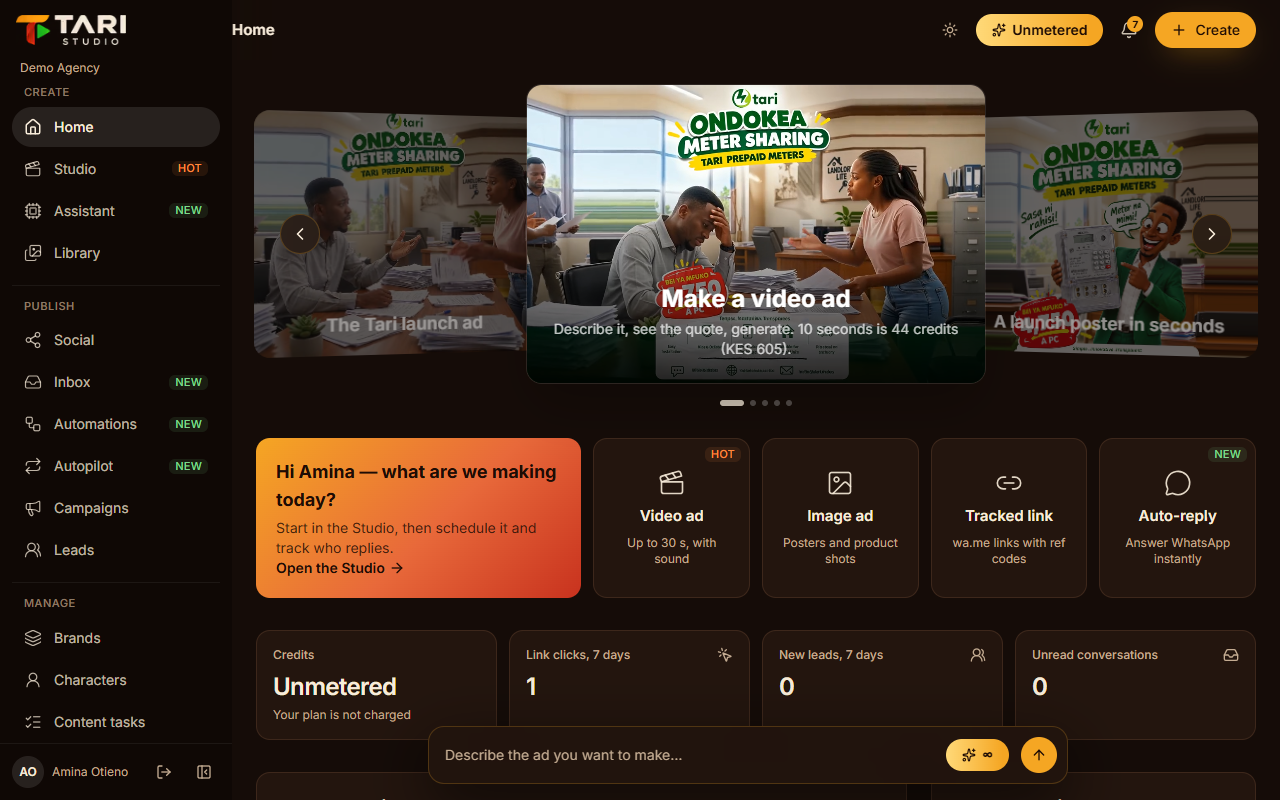
After signing in you land on Home. From here you can:
- type an idea into the prompt bar and open it in the Studio
- see your credits, link clicks, new leads and unread conversations
- jump back into recent creations
- see anything that needs your attention, like a failed post
The menu on the left groups everything by Create, Publish, Manage and Account. On a phone it opens from the menu button.
Add your brand first
Open Brands and add your brand: name, slogan, colours, tone of voice, who you sell to, your visual style, and anything the ads must always or never do.
The Studio's AI director reads all of it before every generation, so a few good lines here make every ad more on-brand.
Make your first ad
Open the Studio, pick your brand in the bar above the chat, and describe the ad. You will see a quote with the credits before anything is made. Read The Studio next.