Docs
How to use Tari Studio
Short guides with screenshots, from your first ad to the WhatsApp chat that closes the sale.
Start here
Make ads
The Studio
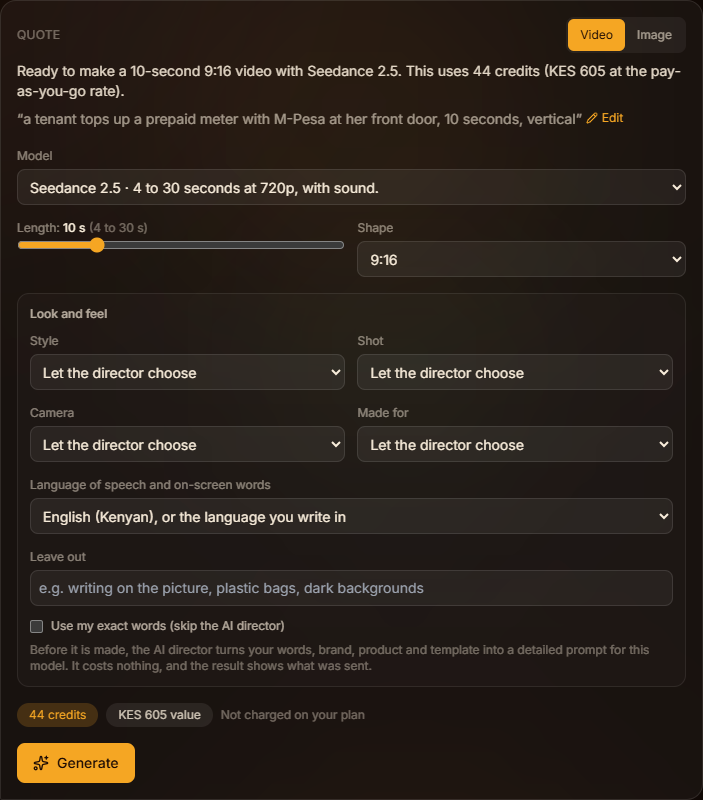
Describe an ad, read the quote, generate, then improve or reuse the result.
Read the guide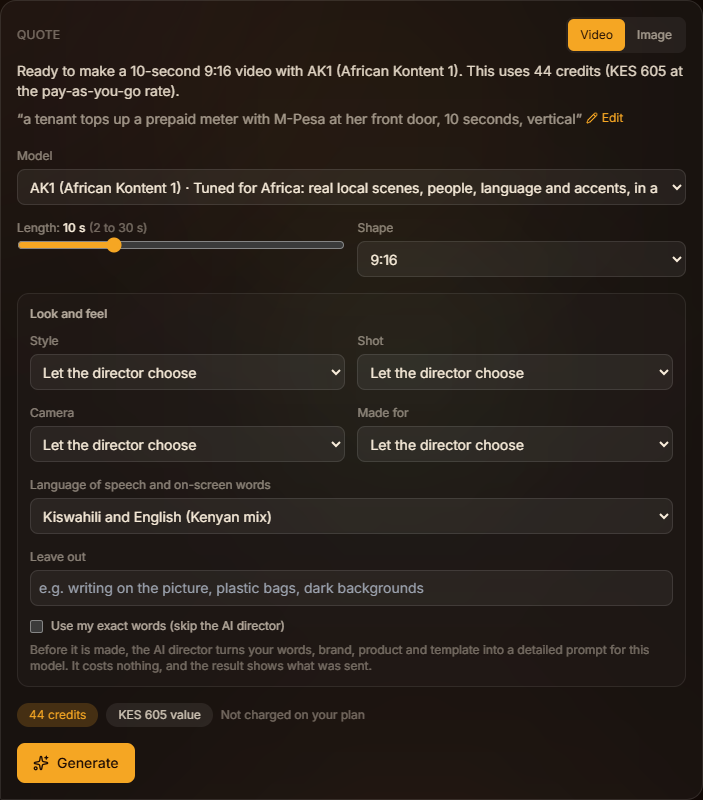
AK1 and AK2: African Kontent models
When to use AK1 or AK2, and how to set the language of speech and on-screen words.
Read the guide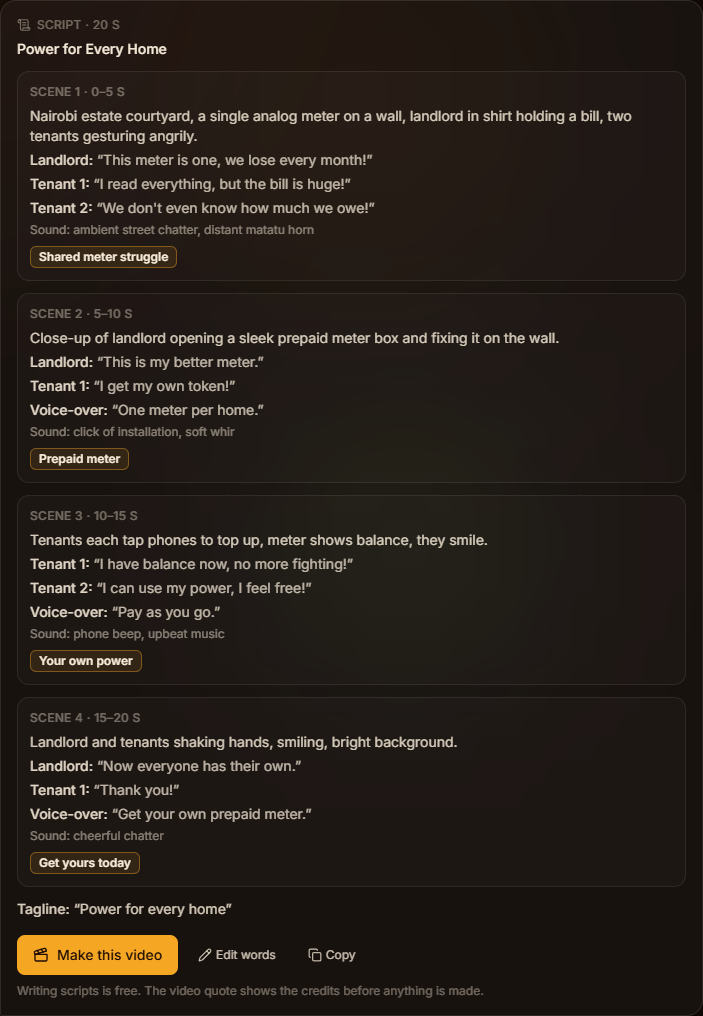
Scripts with /script
Have the AI director write a timed ad script, correct any word, then make the video.
Read the guide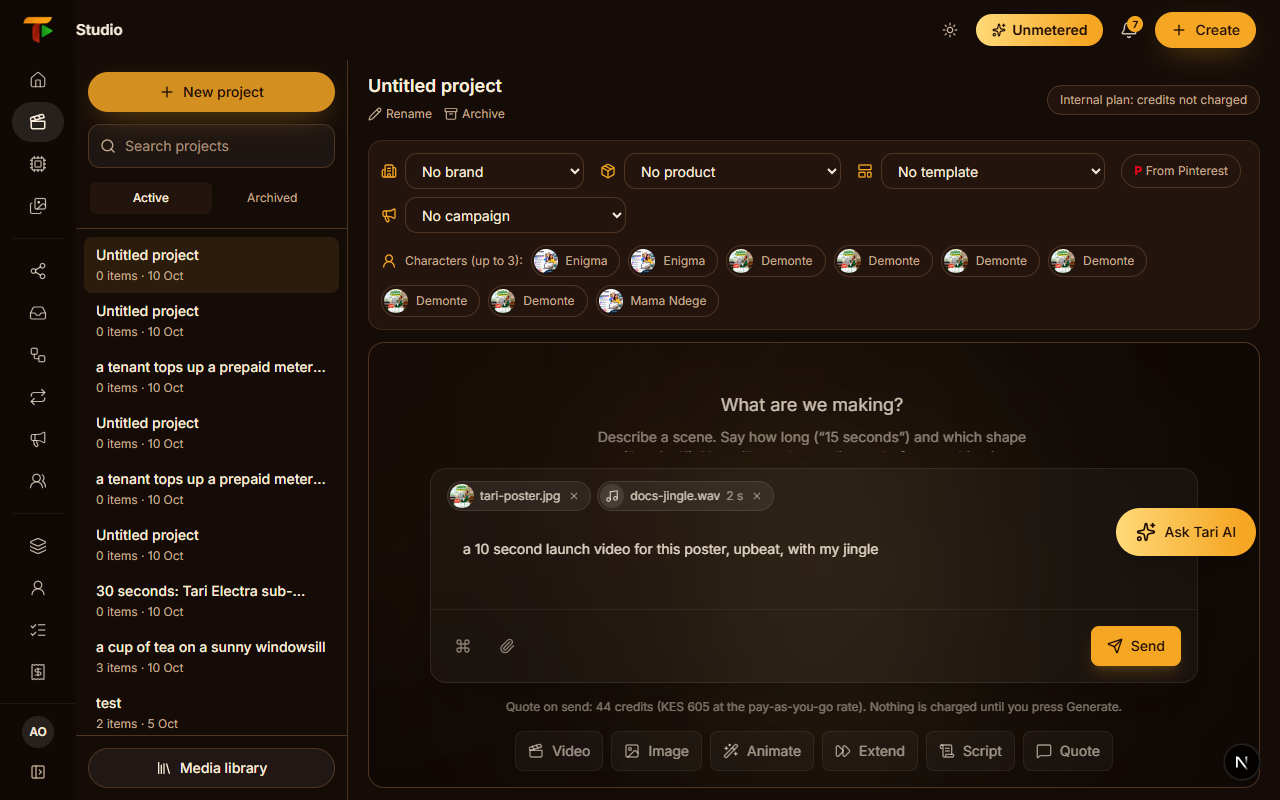
Attach photos, clips and audio
Use your own pictures, an MP4 clip or WAV audio; the Studio picks the right kind of generation.
Read the guide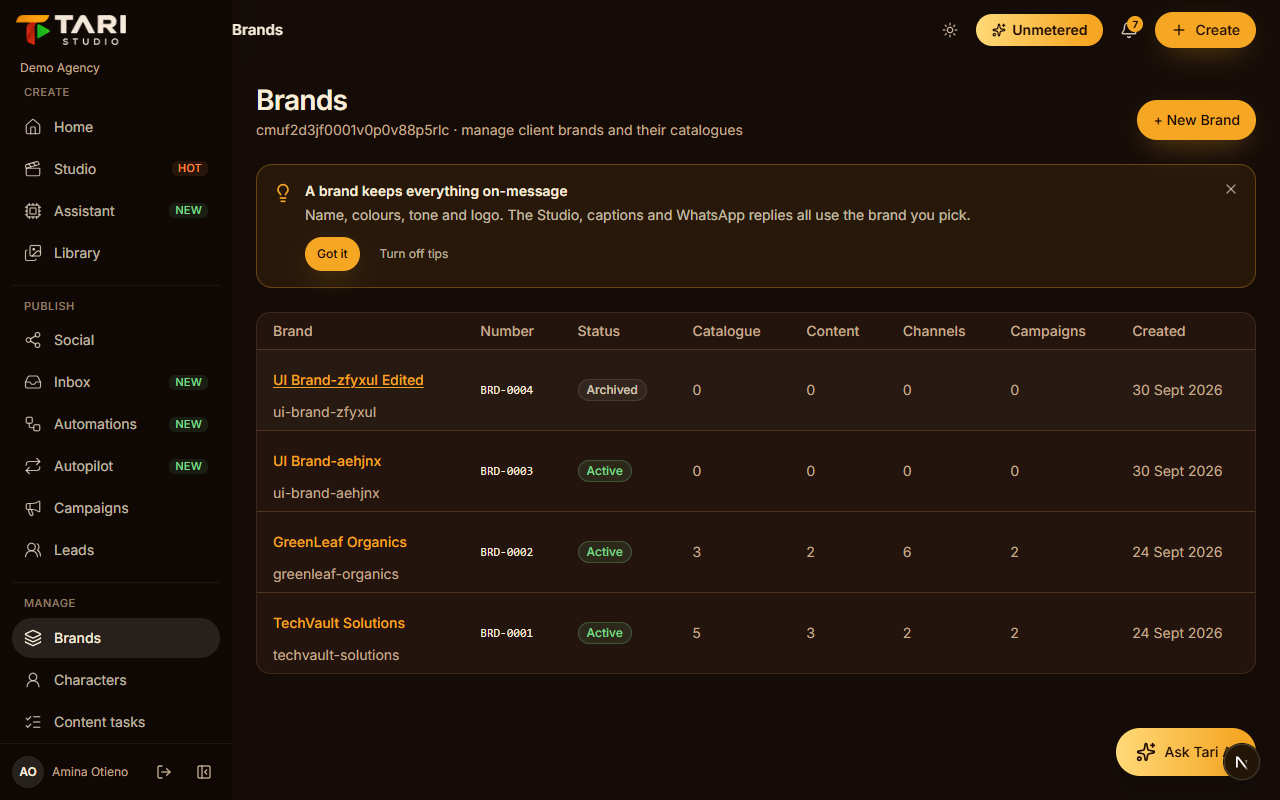
Brands and brand memory
Set up a brand once; the Studio learns what works from your feedback.
Read the guide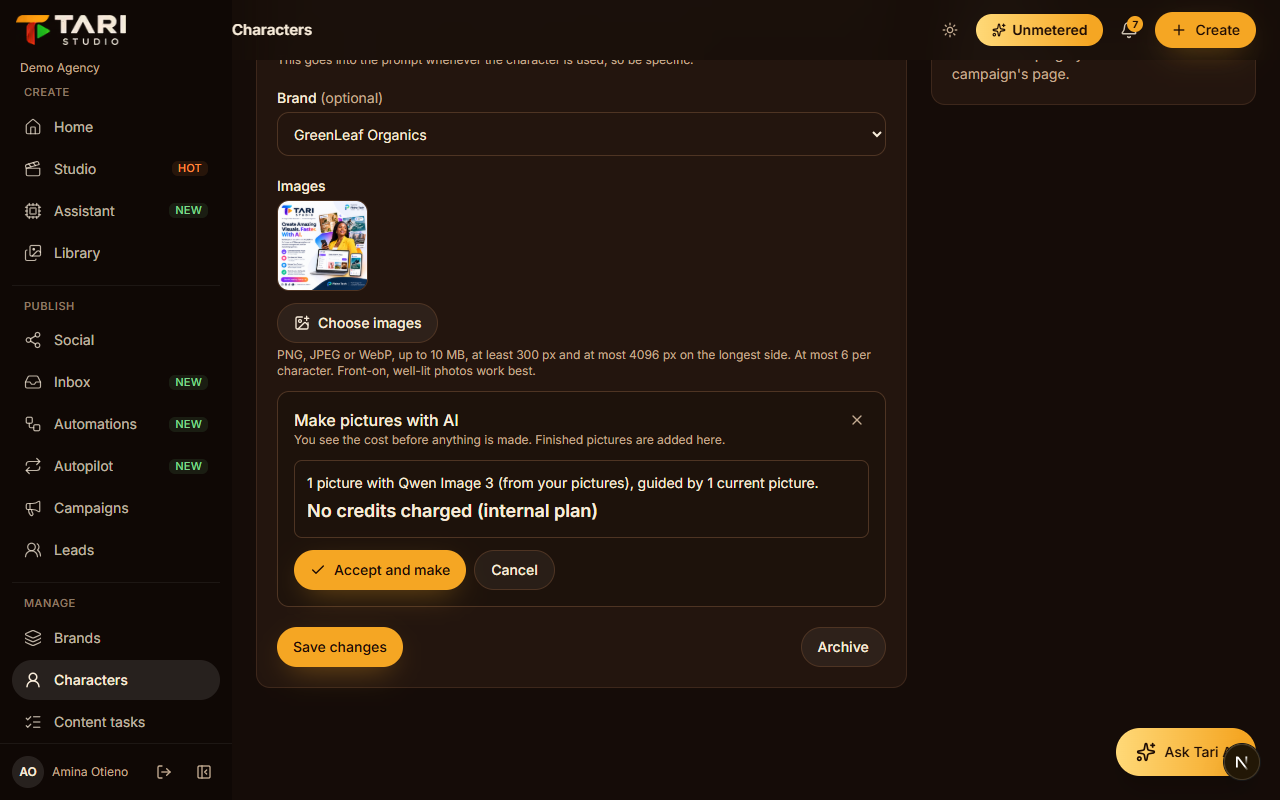
Characters, templates and AI pictures
Keep a person or a look consistent, and make their pictures with AI after seeing the cost.
Read the guide
Publish and sell
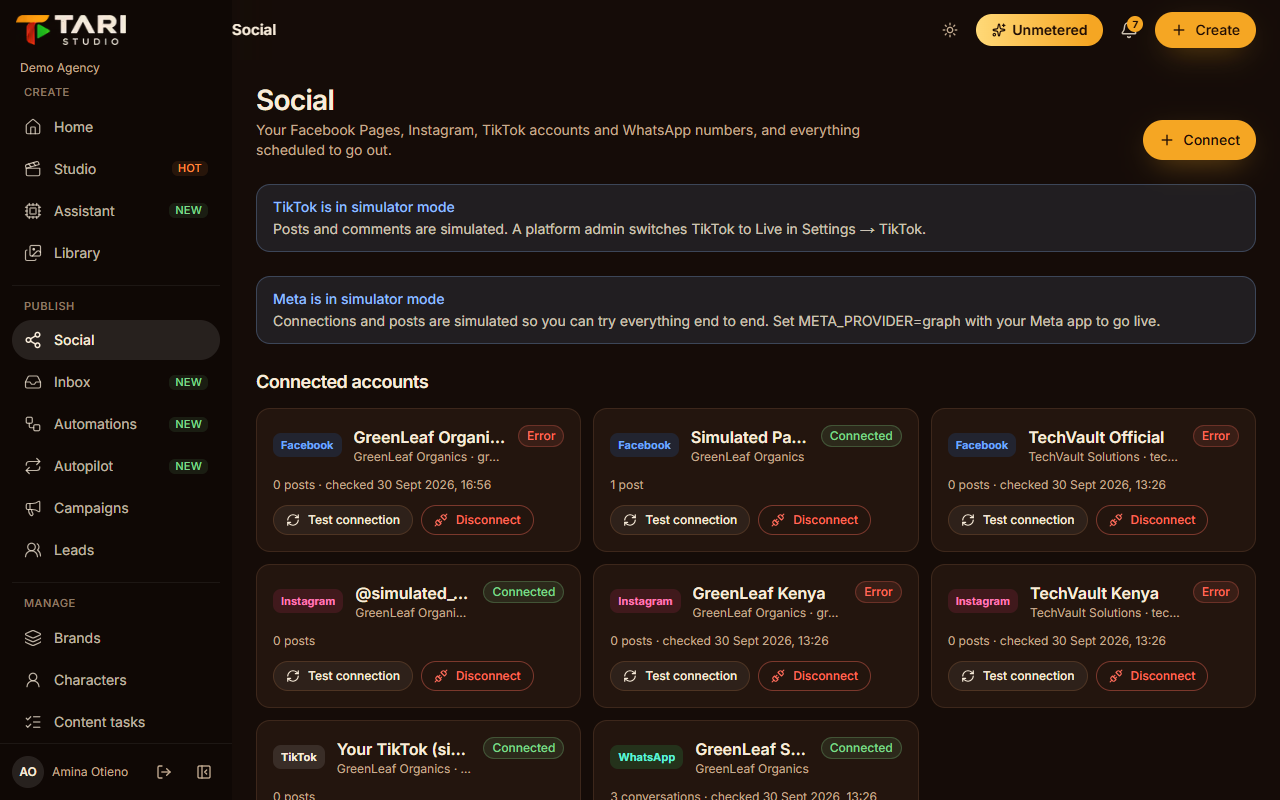
Publishing to social media
Connect Facebook, Instagram and TikTok, and schedule posts with tracked links.
Read the guide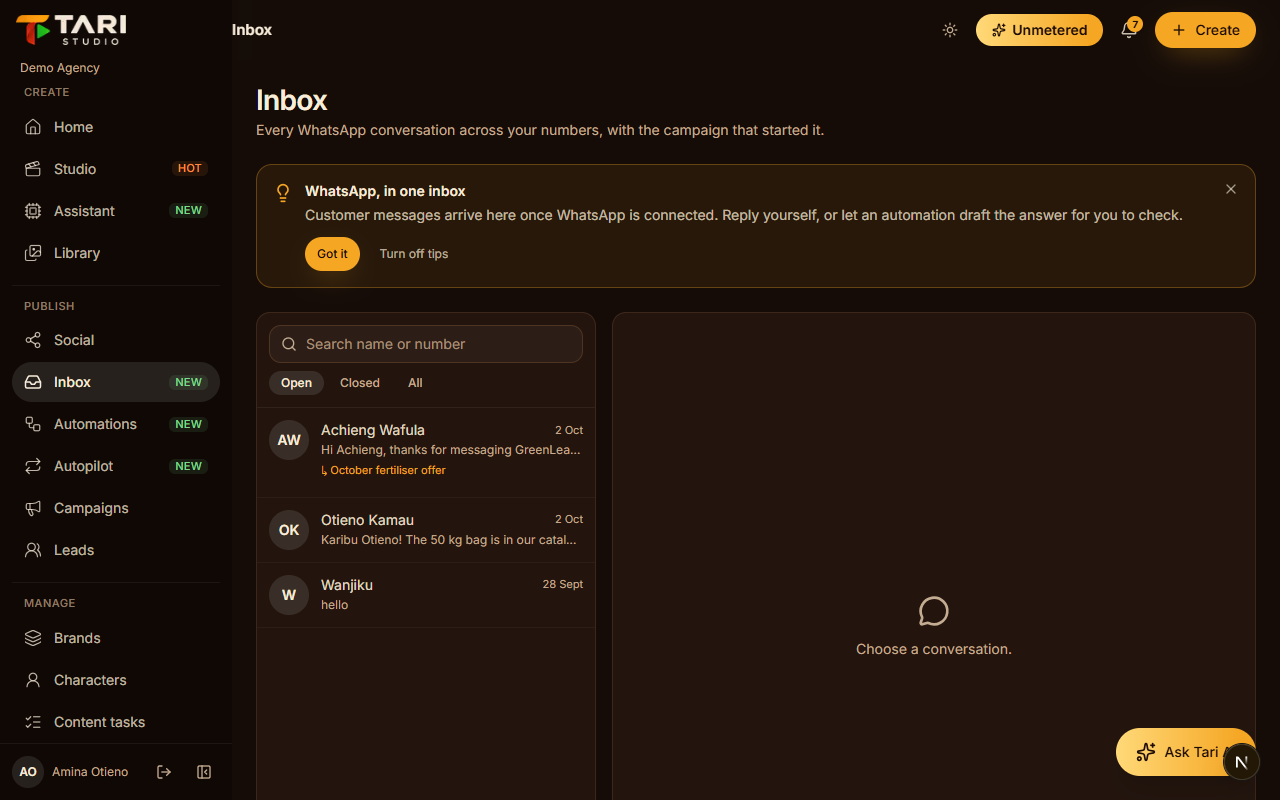
WhatsApp, inbox and leads
Answer every message quickly and see which ad brought the customer.
Read the guide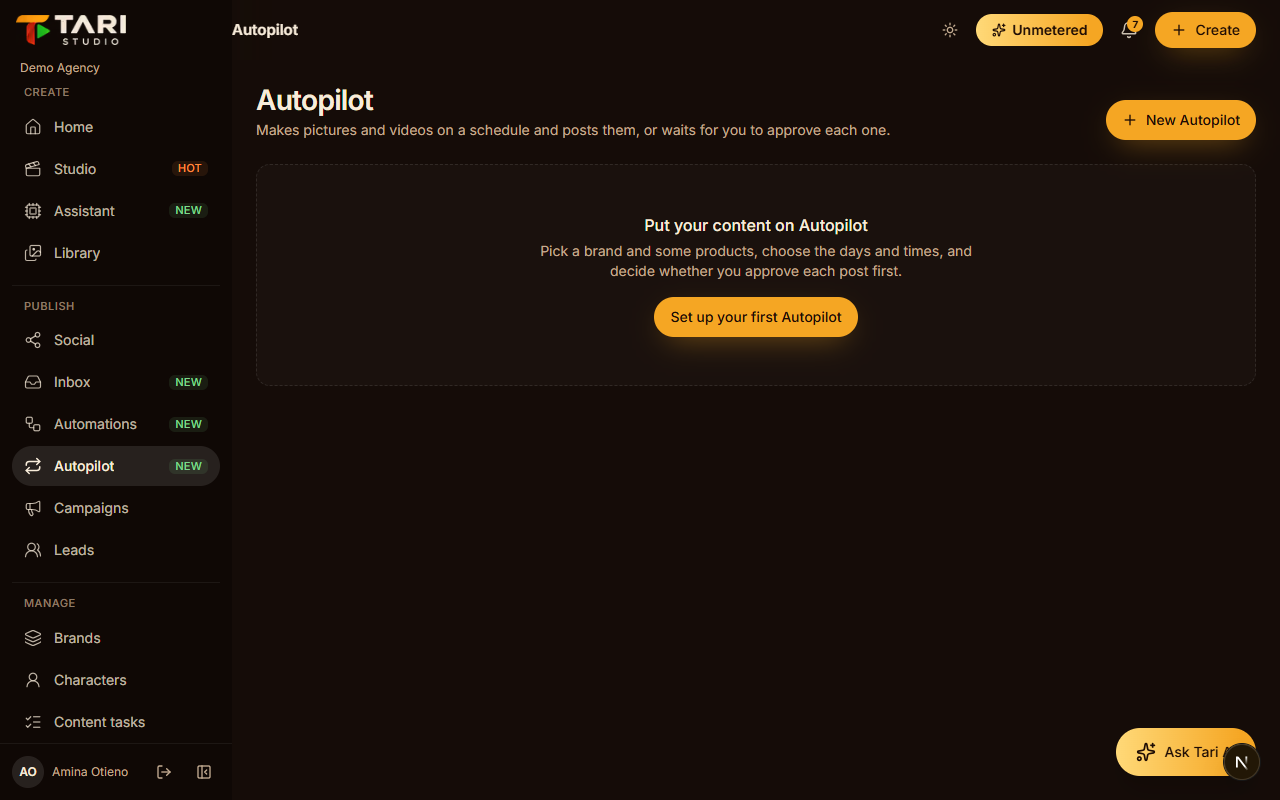
Autopilot
A product post on a schedule, approved by you before it goes out.
Read the guide
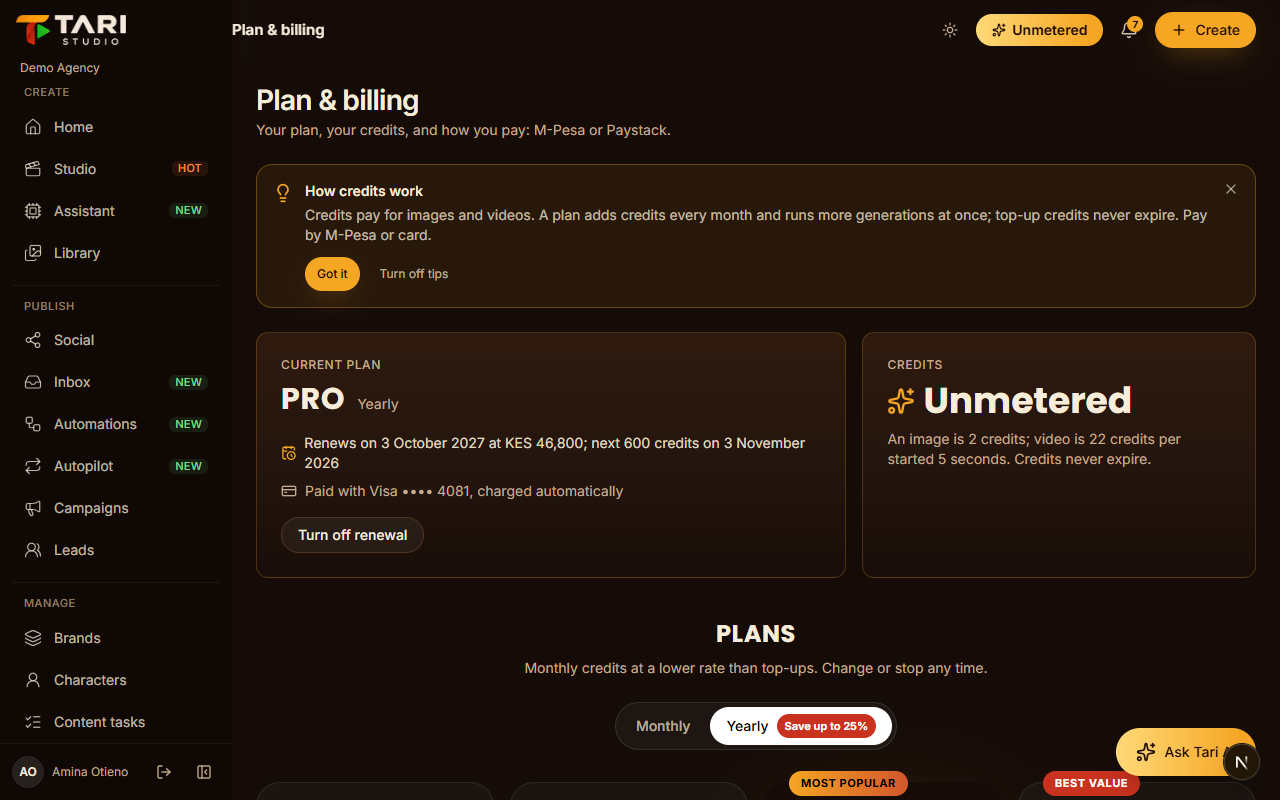
Your account
Platform admins
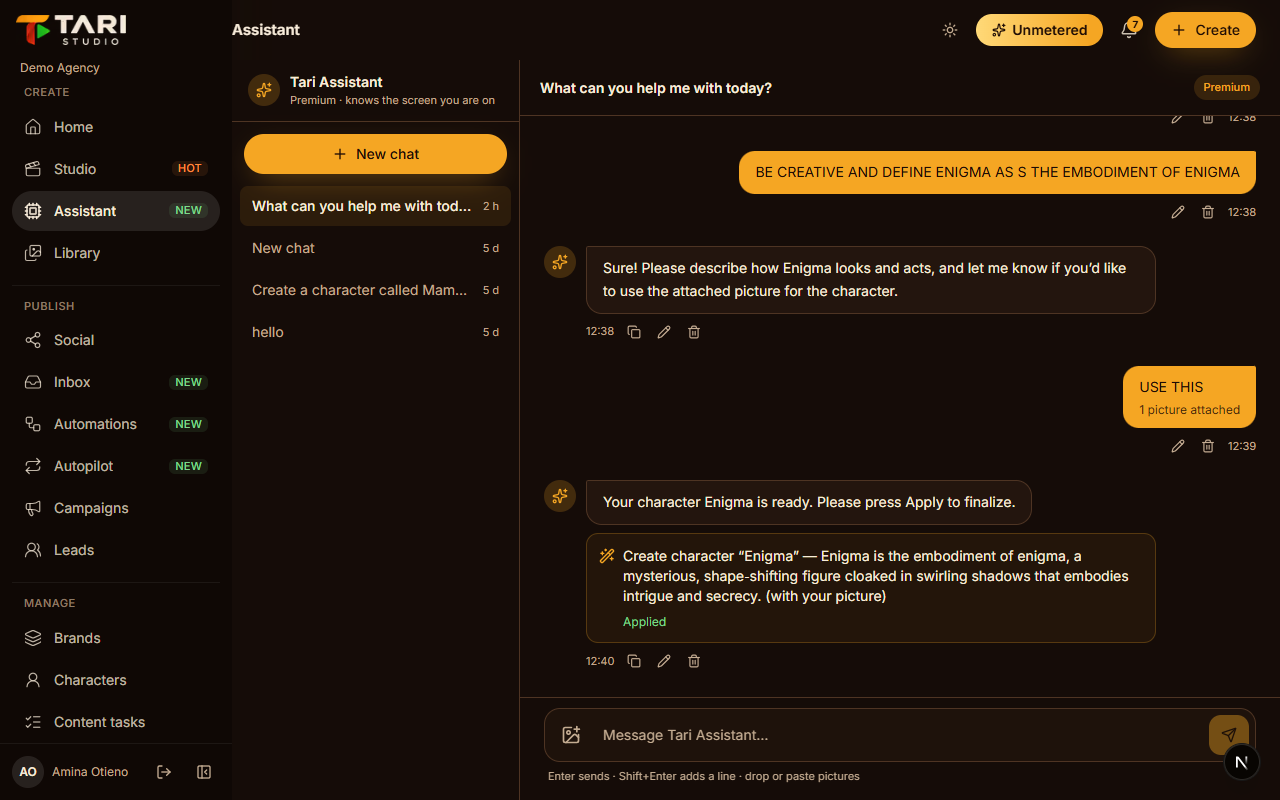
More tips on the blog. Still stuck? Ask the assistant inside the app.