Guides
Keep your mascot the same in every ad
Chrisphine Otieno · 11 Oct 2026 · 1 min read
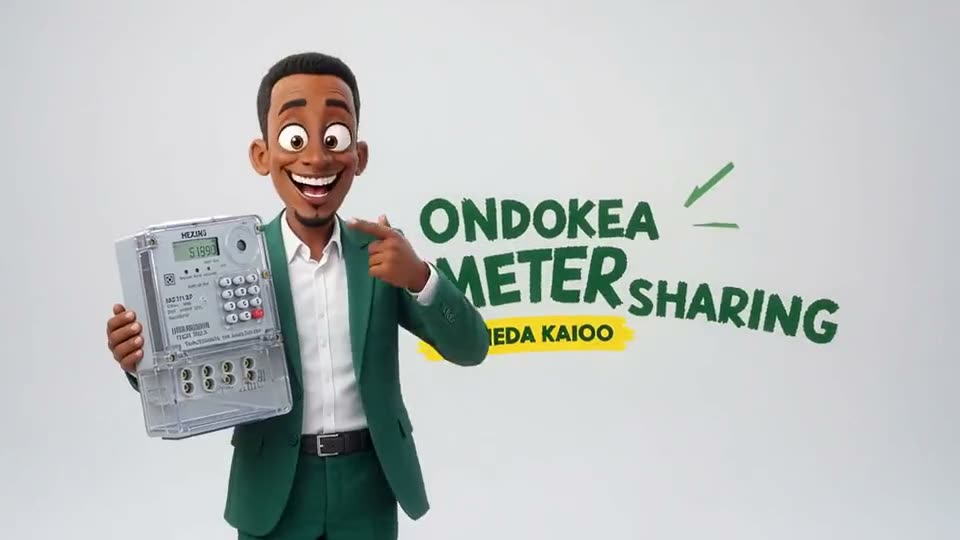
A brand character, a mascot or a recurring "customer" builds recognition, but only if they look the same every time. AI models forget faces between requests. Characters fix that.
Create the character once
Go to Characters and add a name and a description of how they look and act, for example "Mama Wanjiru: a warm woman in her fifties, round glasses, a yellow headwrap, always laughing". Be specific: the description goes into every prompt that uses her.
Add up to six pictures. Front-on, well-lit photos work best.
Make more pictures with AI
No photos yet, or need more poses? On the character's page press Make pictures with AI:
- Describe the picture, for example "smiling at her market stall, head and shoulders, soft daylight".
- Choose how many (one to four), the shape, and the language of any words in the picture.
- Leave Keep this character's look ticked if she already has pictures. They are sent to the model as references, so the same face comes back.
- Press See the cost. You see the credits, your balance and the model. Nothing is charged yet.
- Press Accept and make, or Cancel.
Finished pictures are added to the character automatically, and the AI director follows a recipe for reference pictures: one person, face fully visible, simple background, every described feature kept.
Use the character everywhere
Pick the character in the Studio's bar and their name and description go into your prompt. Attach them to a campaign so the team knows who belongs where.
Templates work the same way
Templates, the reusable looks your team starts from, also have Make pictures with AI. Use it to create the example images for a new template, again with the cost shown before anything is made.