Guides
From ad to sale: tracked WhatsApp links, auto-replies and Autopilot
Chrisphine Otieno · 11 Oct 2026 · 2 min read
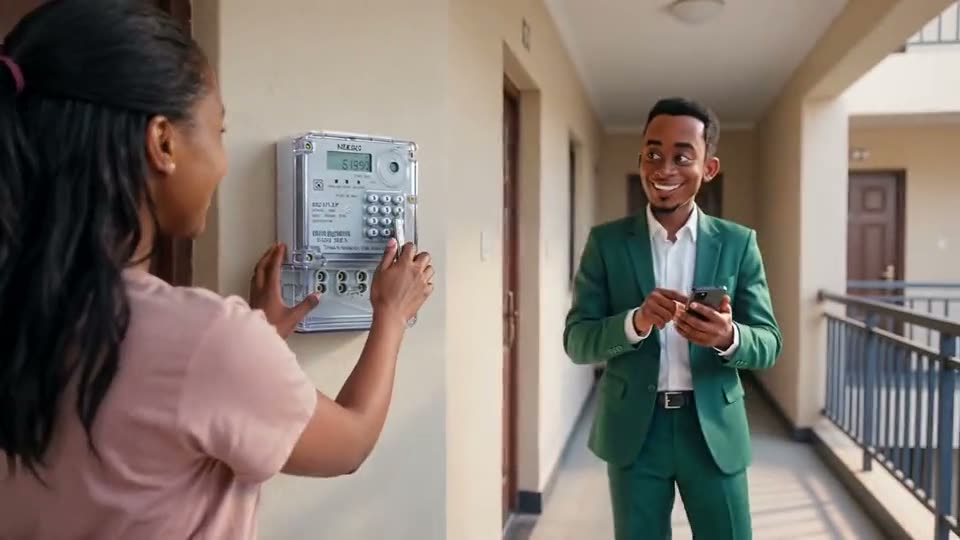
In Kenya, most sales from a social ad end in a WhatsApp chat. The Studio is built around that path: make the ad, post it, answer the people who write, and see which ad brought the customer who paid.
1. Publish where your customers scroll
Connect your Facebook page, Instagram account and TikTok under Social, then schedule a finished image or video straight from the library. Pinterest is there too, for finding and saving looks to build templates from.
2. Add a tracked WhatsApp link
Every post can carry a tracked wa.me link with a reference code. When someone taps it, the chat opens with your number and the code, and the click is counted. Under Leads you see which post brought the person, so you know which ad to make more of.
3. Answer instantly
Automations reply to WhatsApp messages in seconds, from your own catalogue: product names, descriptions and the answers you approve. The Inbox keeps every conversation in one place for your team, with the lead and the ad it came from.
4. Let Autopilot keep you visible
Busy weeks are when posting stops. Autopilot makes a product post on a schedule you set, for example one product every Friday, and asks you before it goes out. You approve, reject or tweak; nothing is published without you.
5. Learn what works
Rate your results in the Studio with a thumbs up or down and a quick reason, and the Studio learns your brand: what to repeat, what to avoid. You can read and edit what it learned on the brand's page.
Putting it together
A typical week:
- Monday: type
/scriptfor a 15-second promo and make it with AK2 (African Kontent 2). - Tuesday: schedule it to Instagram and TikTok with a tracked WhatsApp link.
- All week: automations answer the first questions; your team closes the sale in the inbox.
- Friday: Autopilot proposes the weekly product post; you approve it from your phone.